Contact Me!
angelhsiehyy@gmail.com
© 2026 Angel Hsieh. All rights reserved.
At A Glance
Role
UI/UX Designer
4 Months
Timeline
7 Members
Team
Figma
Jira
InDesign
Tools
Personalized, behavior-driven mobile experience that helps trade workers manage pain and build healthier habits.
I helped define and design a gamified AI-powered recovery platform tailored to ironworkers.
01 UX Architecture
Structured the app’s navigation, AI check-in flow, and daily checklist into a clear, scalable information hierarchy.
02 Wireframing & Prototyping
Organized and built low- to high-fidelity wireframes in Figma, creating interactive prototypes for core user flows.
03 Research + Validation
Created the testing script, conducted sessions with ironworkers, and iterated on clarity and navigation based on findings.
Ironworkers face intense physical strain, long hours, and unpredictable schedules that often lead to chronic pain, stress, and fatigue. With limited recovery time and few trade-specific wellness tools, many turn to short-term coping habits just to keep going.
The issue wasn’t access to exercises — it was the absence of a motivating, trade-specific system built for real ironwork conditions.
As a result, recovery becomes inconsistent, unstructured, and difficult to sustain.
Most wellness apps ignore these realities. They offer generic advice designed for office workers — not tradespeople dealing with heavy physical labor and cultural pressure to “tough it out.”
Context
Ironworkers face intense physical strain, long hours, and unpredictable schedules that lead to chronic pain, fatigue, and stress.
With limited trade-specific wellness resources, many rely on short-term coping habits such as painkillers or alcohol just to keep going.
Most wellness apps ignore these realities. They are built for office workers with predictable routines — not for tradespeople dealing with heavy physical labor and cultural pressure to “tough it out.”
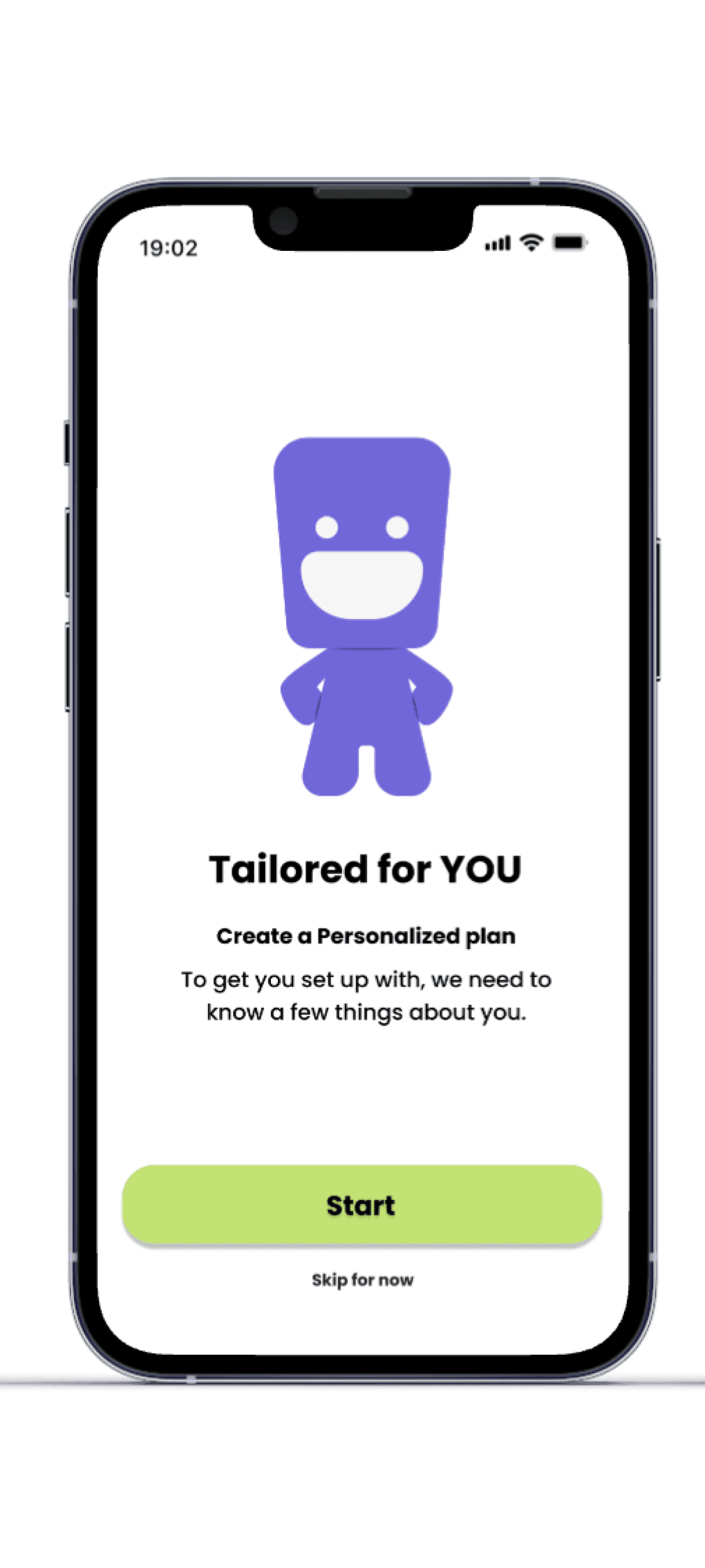
Solace was created to fill that gap.
01 Problem
Solace: Gamified Wellness App for Ironworkers
02 Solution
How might we design a personalized and engaging recovery experience that fits naturally into demanding ironwork routines?
Problem Statement
Solace transforms recovery into a gamified, AI-personalized system designed specifically for ironworkers.
Instead of numbing pain, users actively manage it through structured daily recovery tasks.
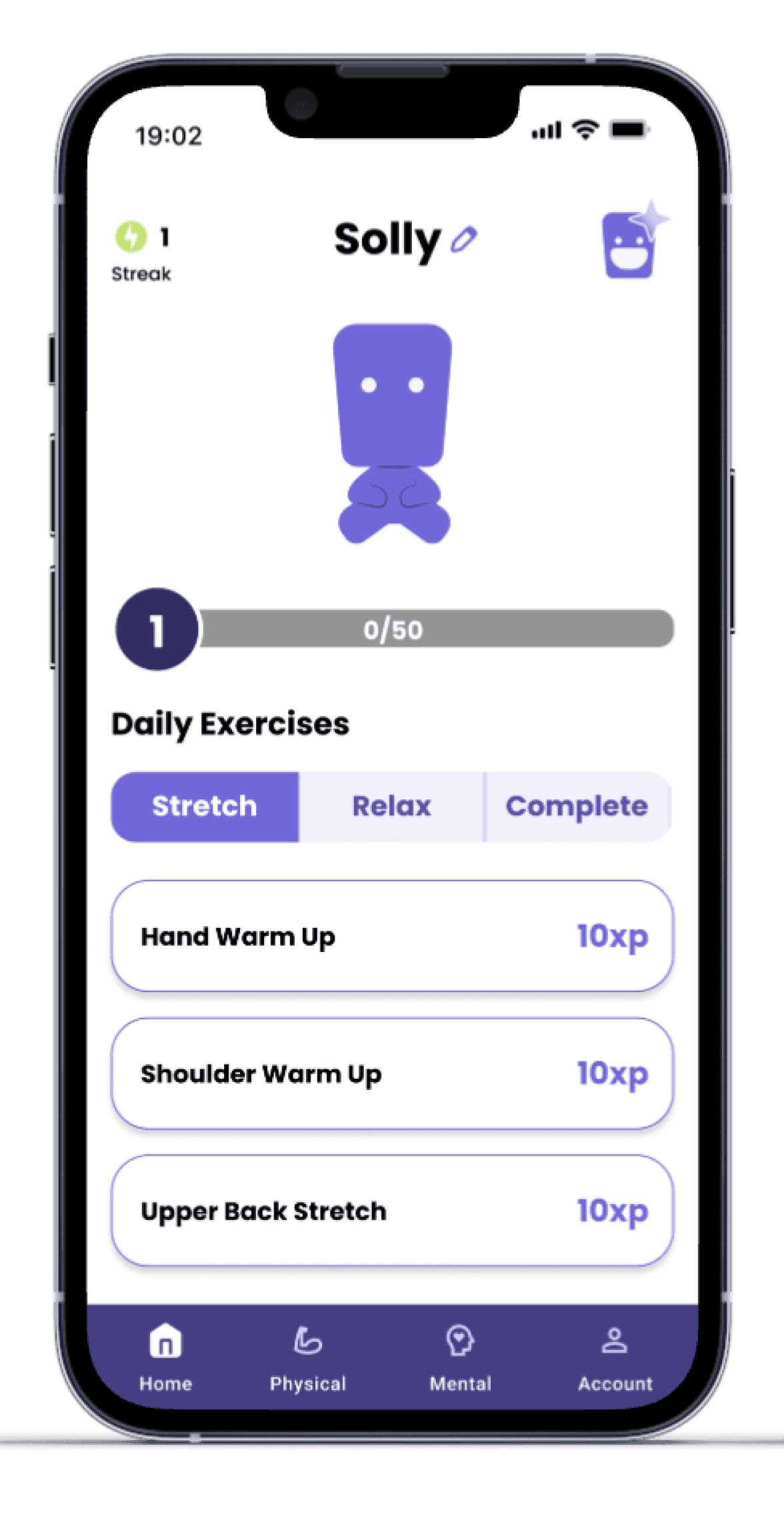
AI-Personalized Daily Checklist
Users complete a quick manual selection or AI check-in about type of work and pain areas.
Solace generates a customized daily checklist of recovery exercises tailored to real strain and workload.
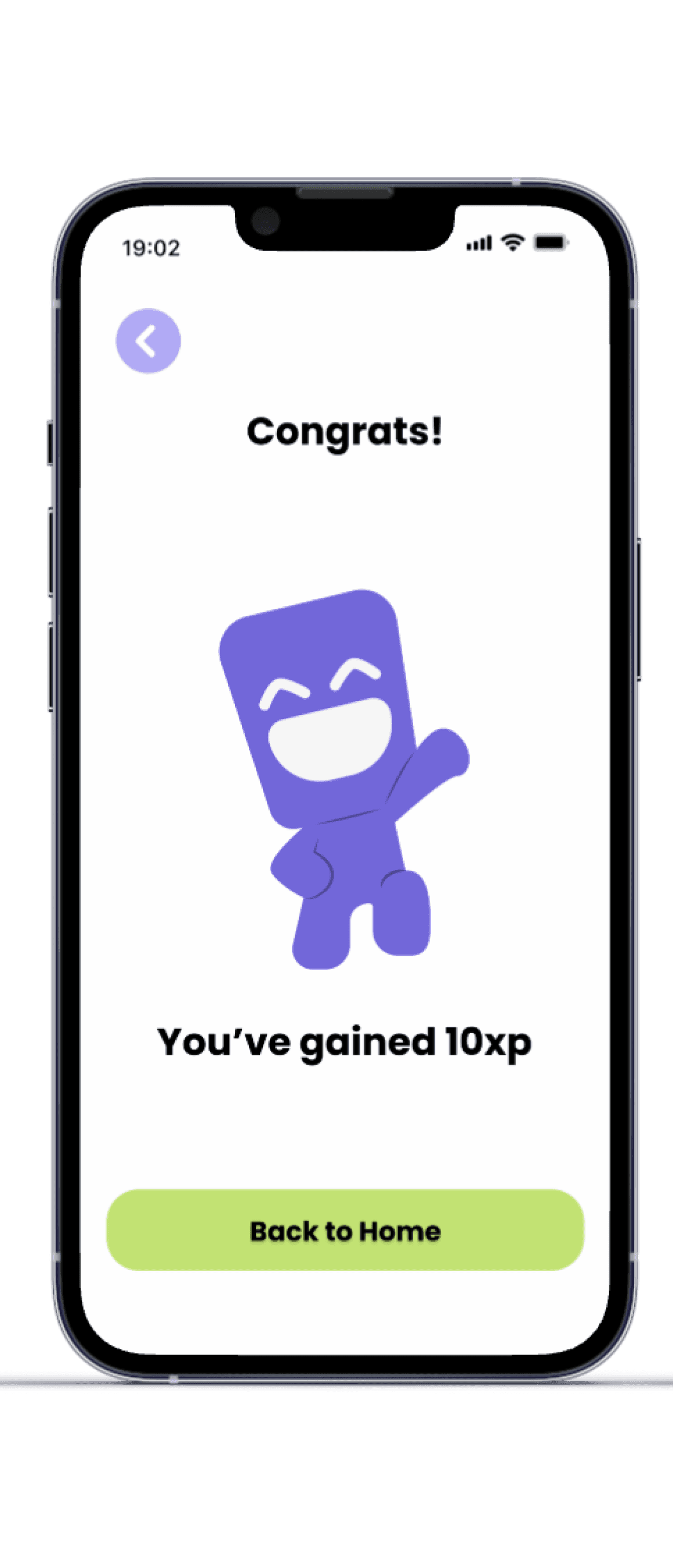
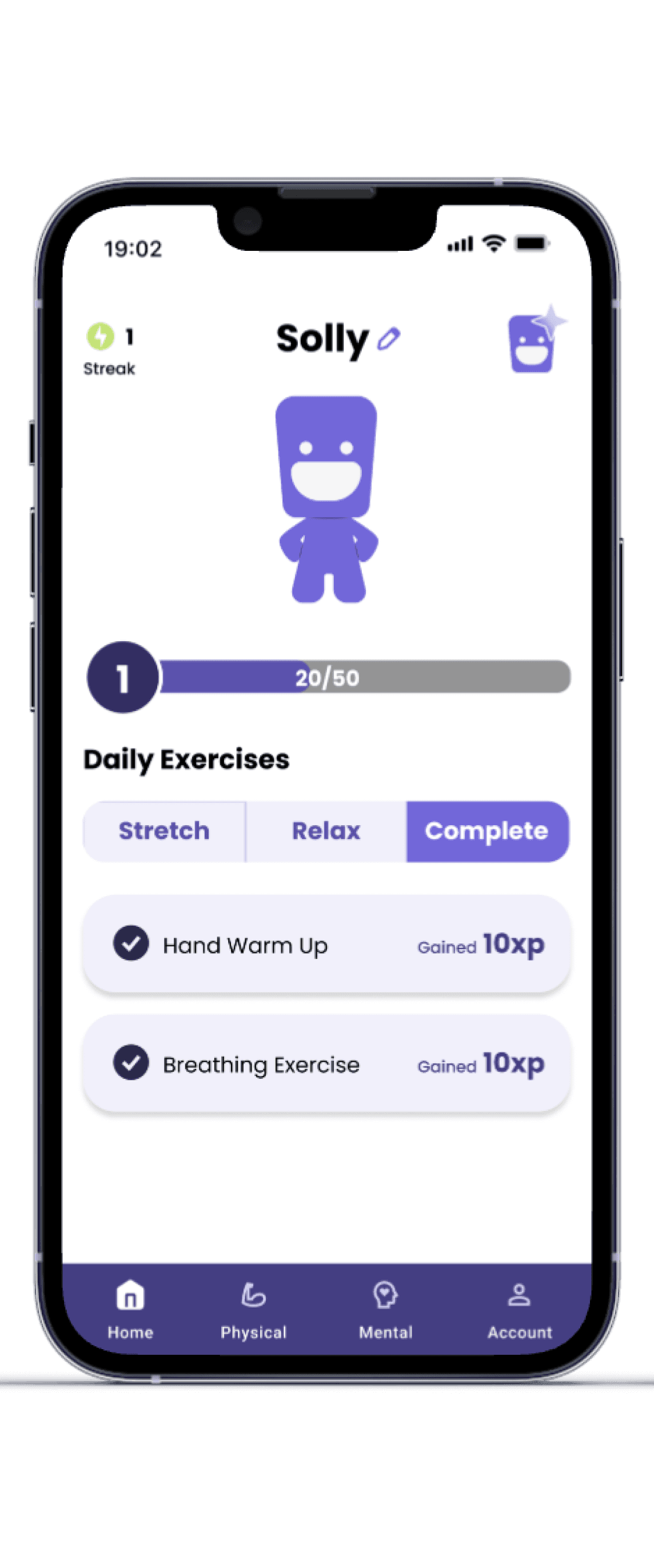
Physical exercises earn 10 XP
Checklists adapt to user responses
Keeps recovery structured and goal-oriented
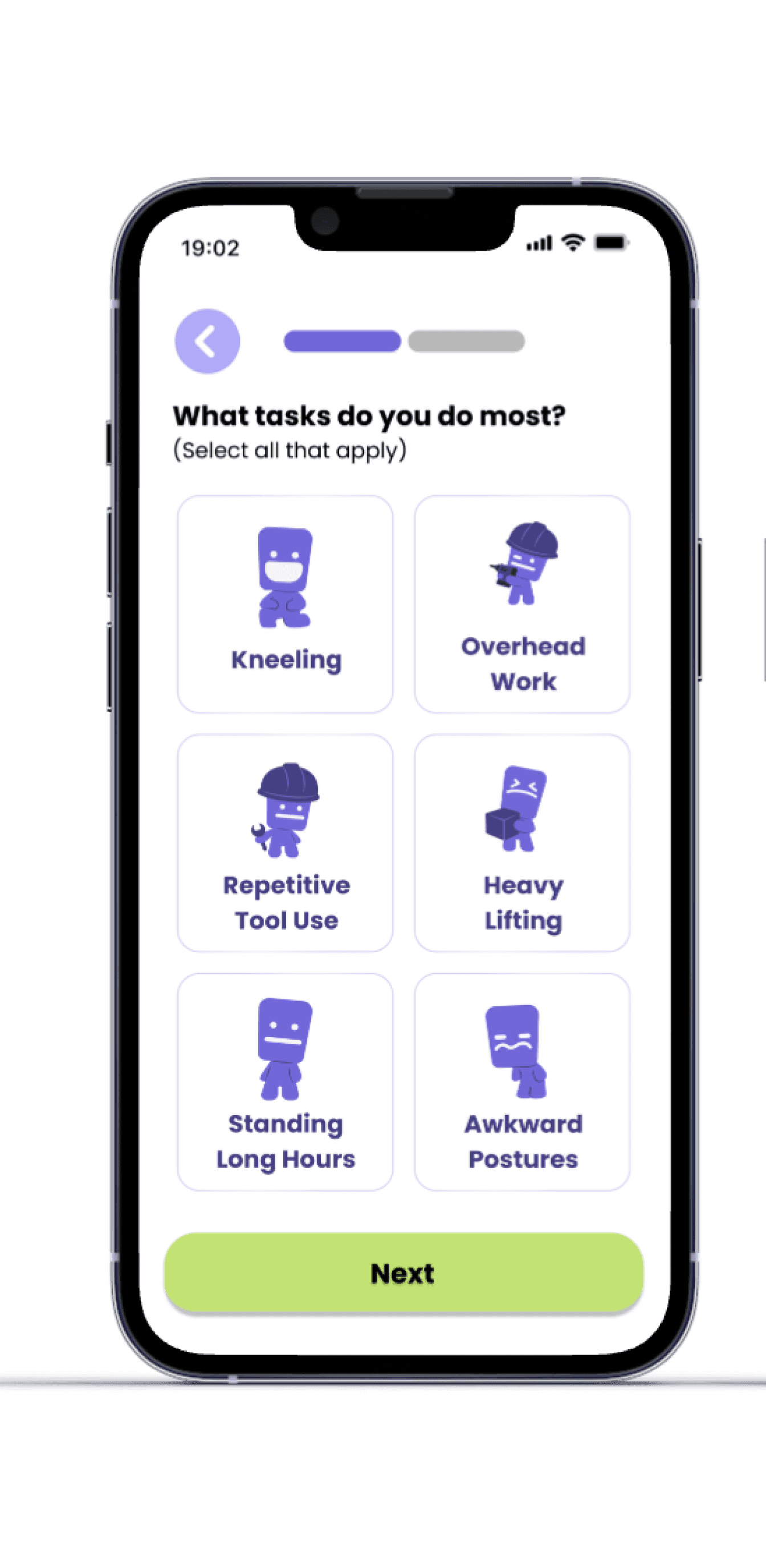
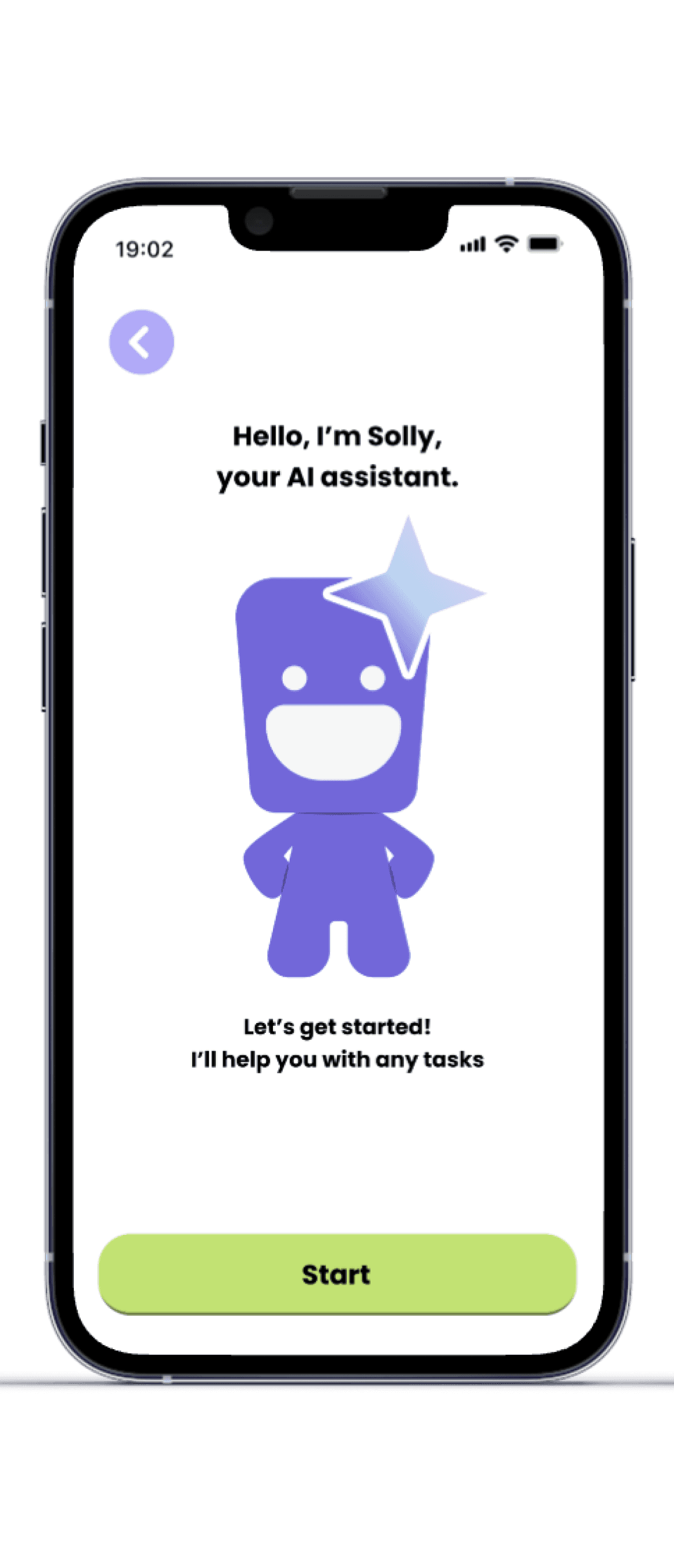
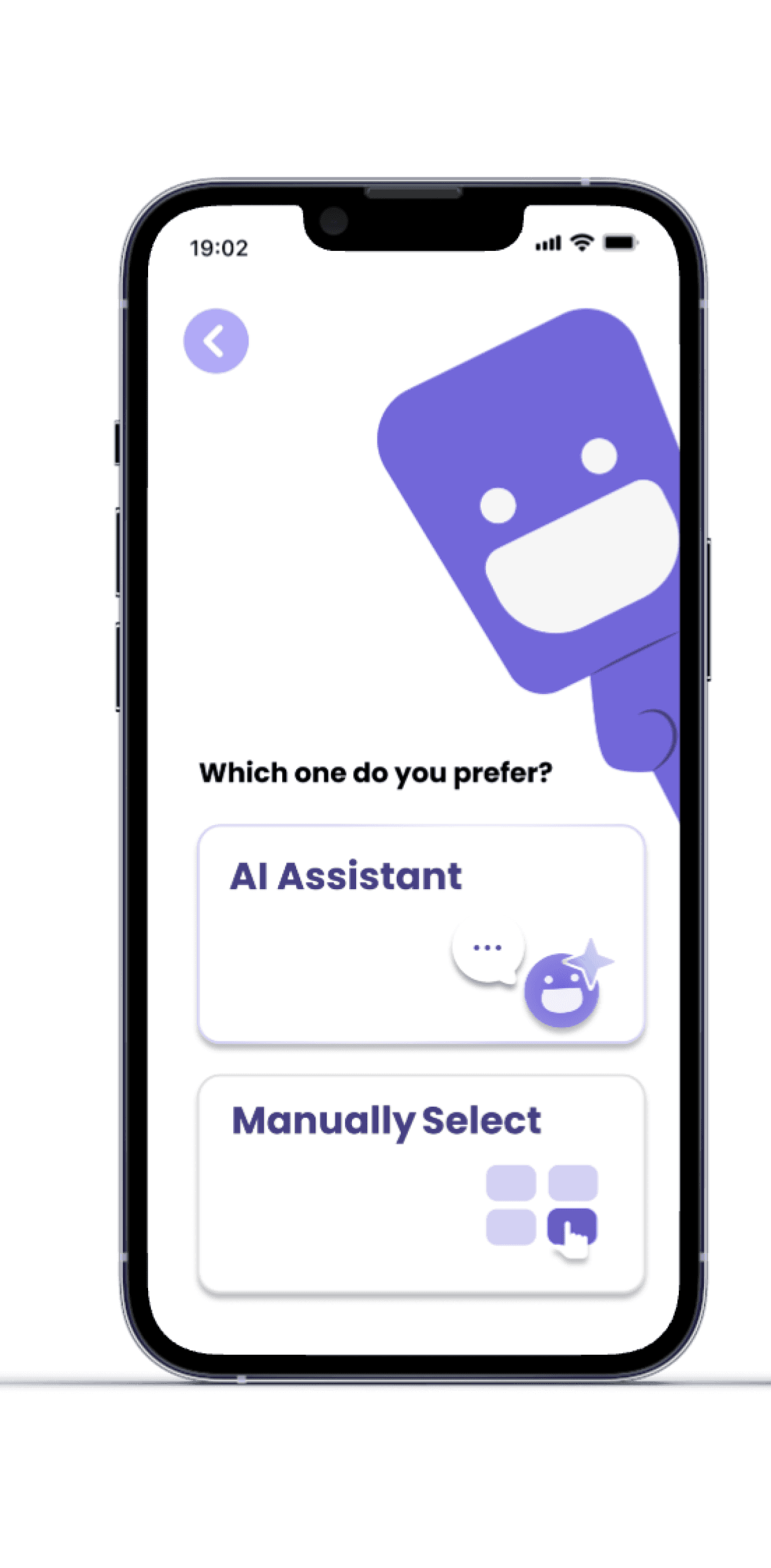
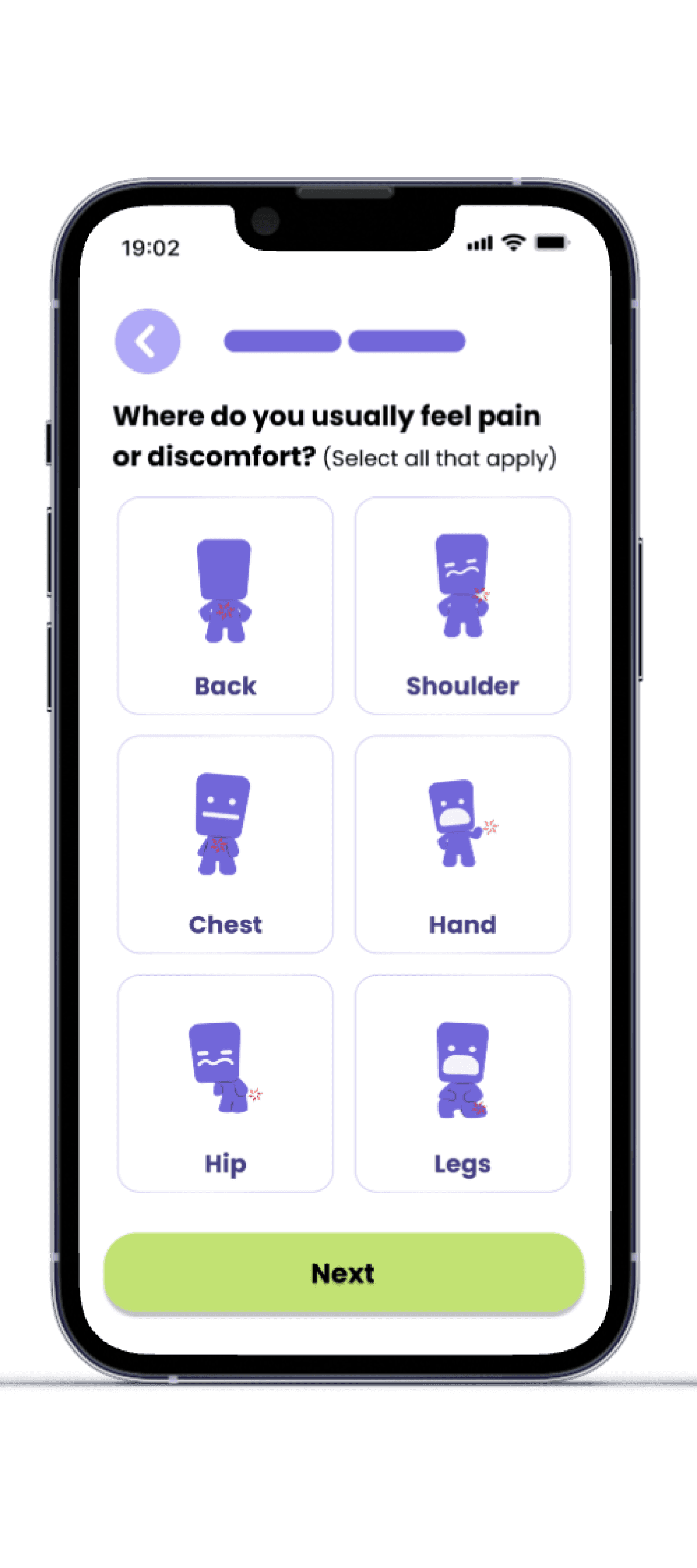
Overall, this project strengthened my understanding of designing for real users, balancing structure and flexibility in a product, and refining ideas through testing and collaboration. Also very grateful that I had a great team to work with.
Earn XP for every activity
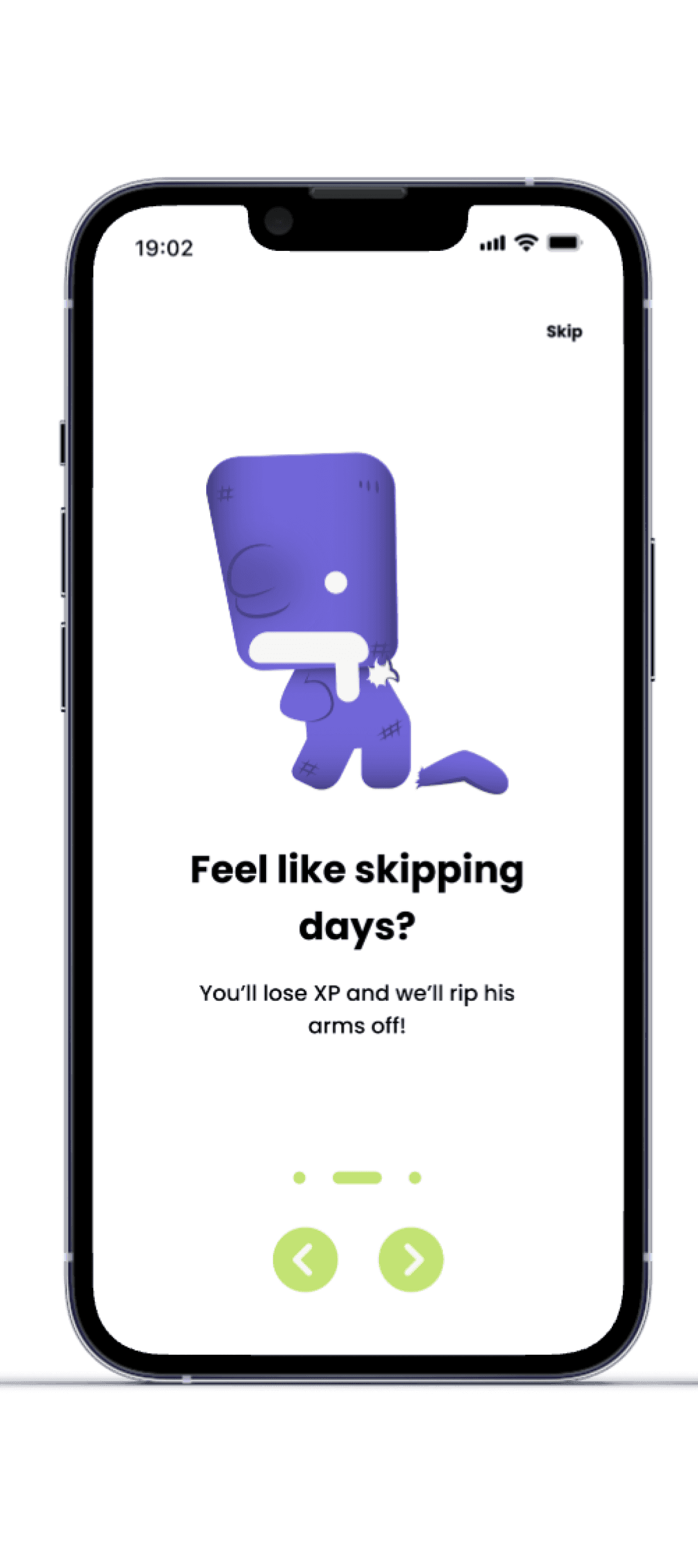
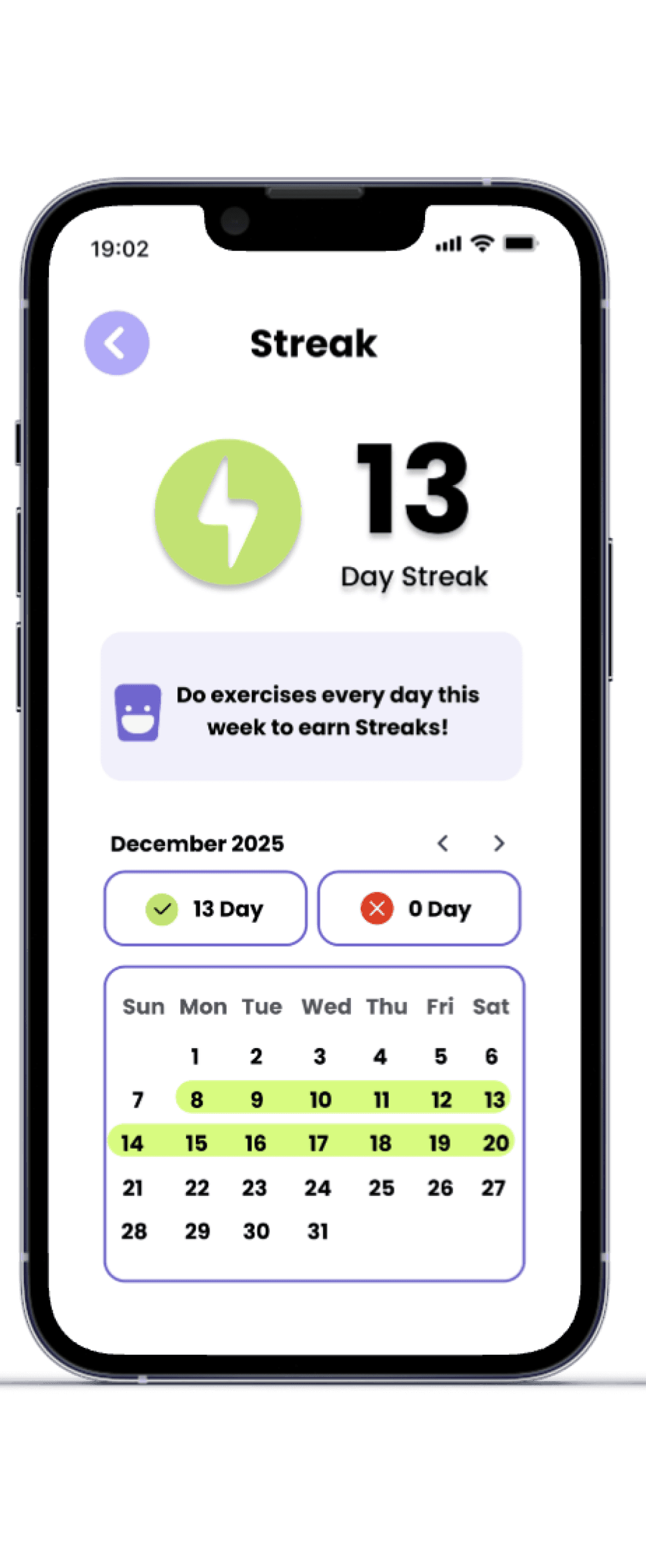
Maintain streak by completing at least one task daily
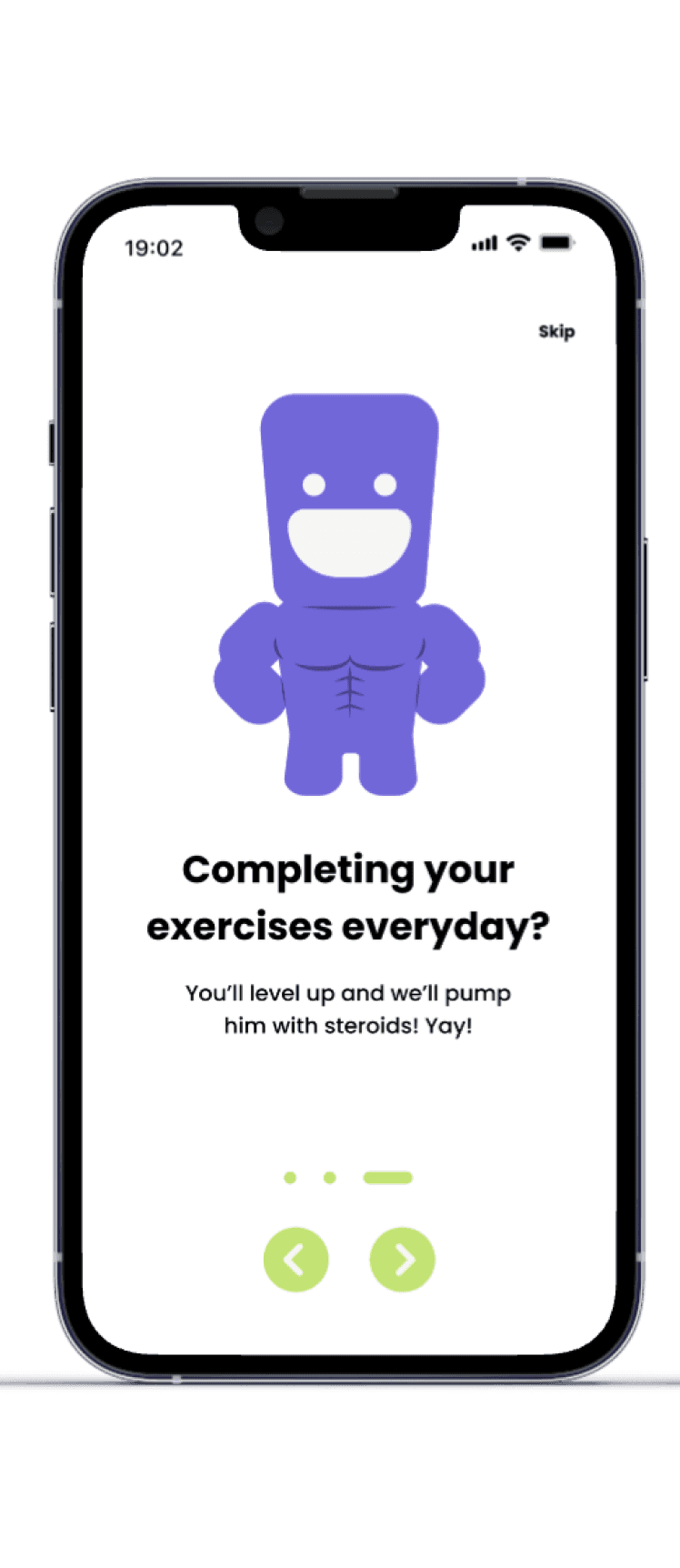
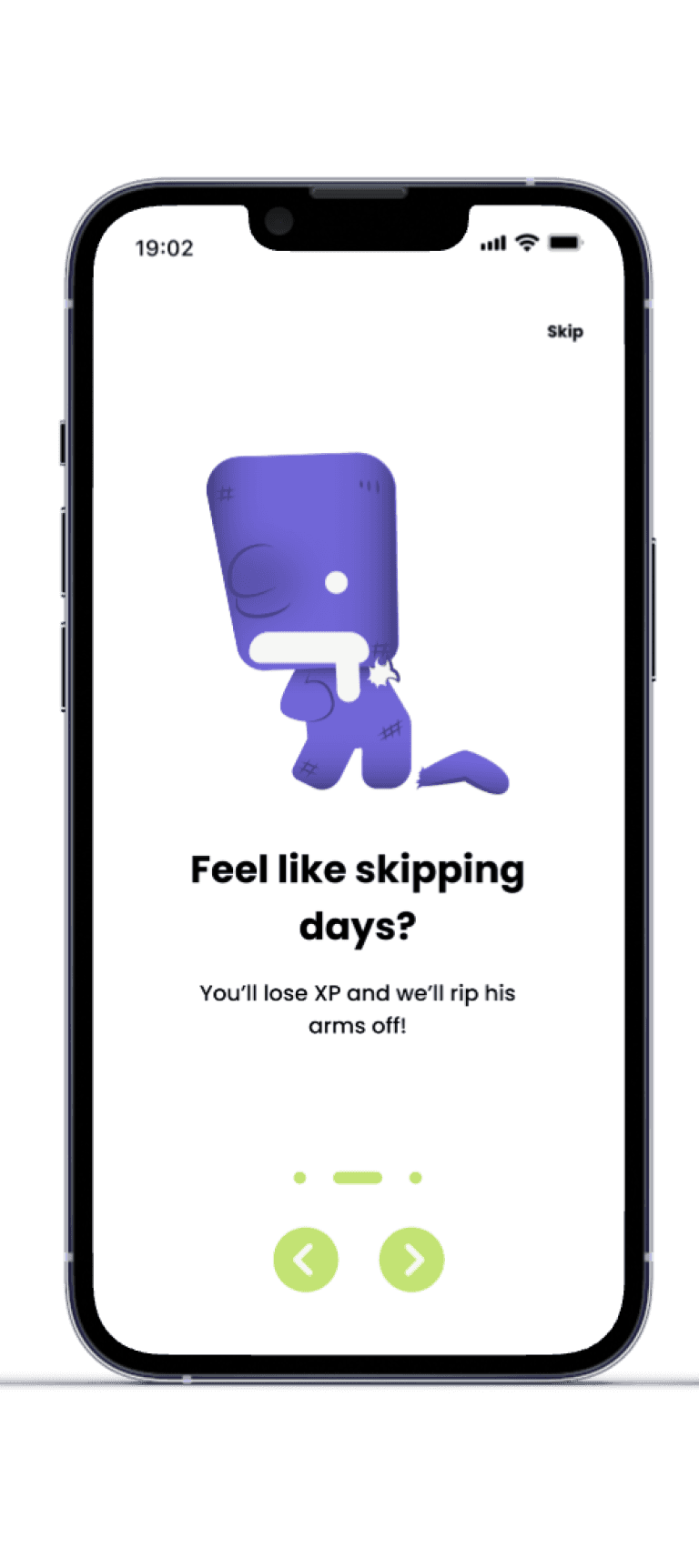
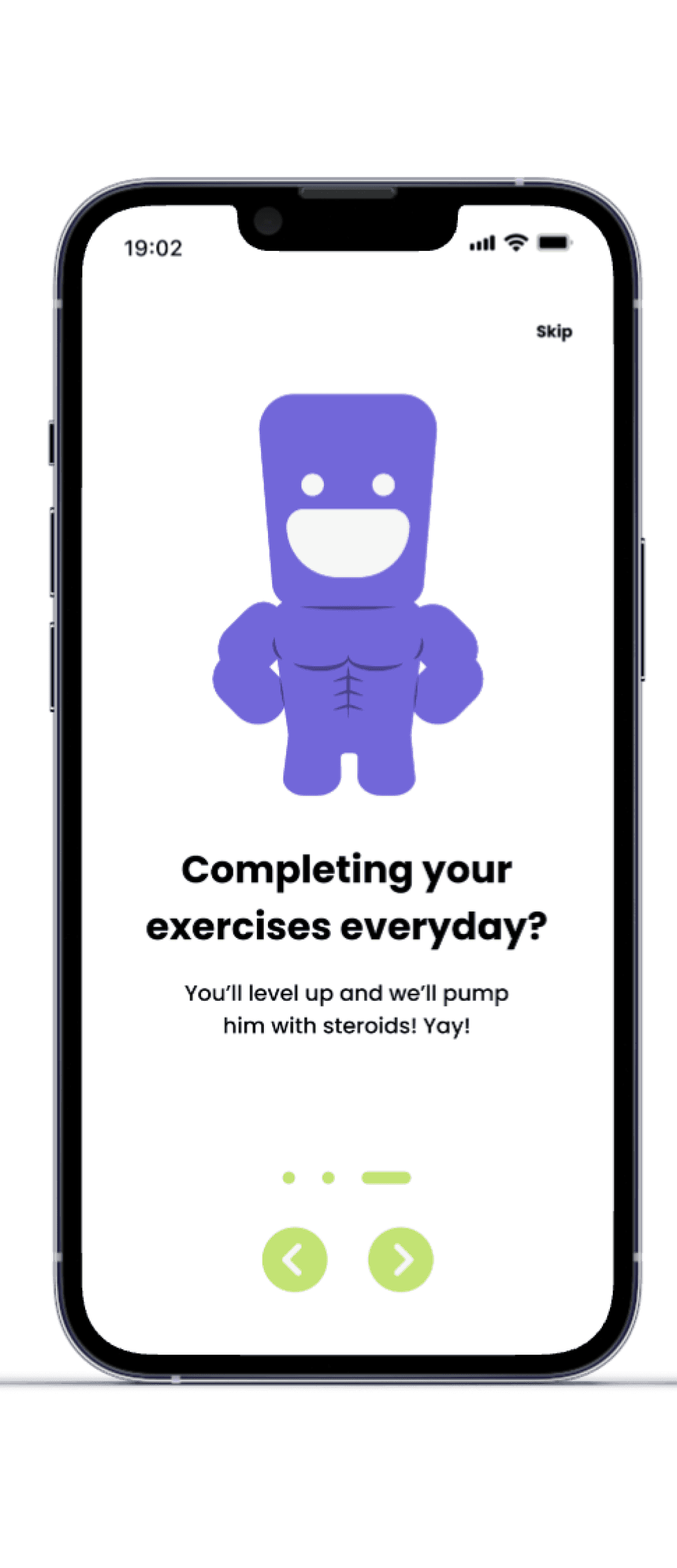
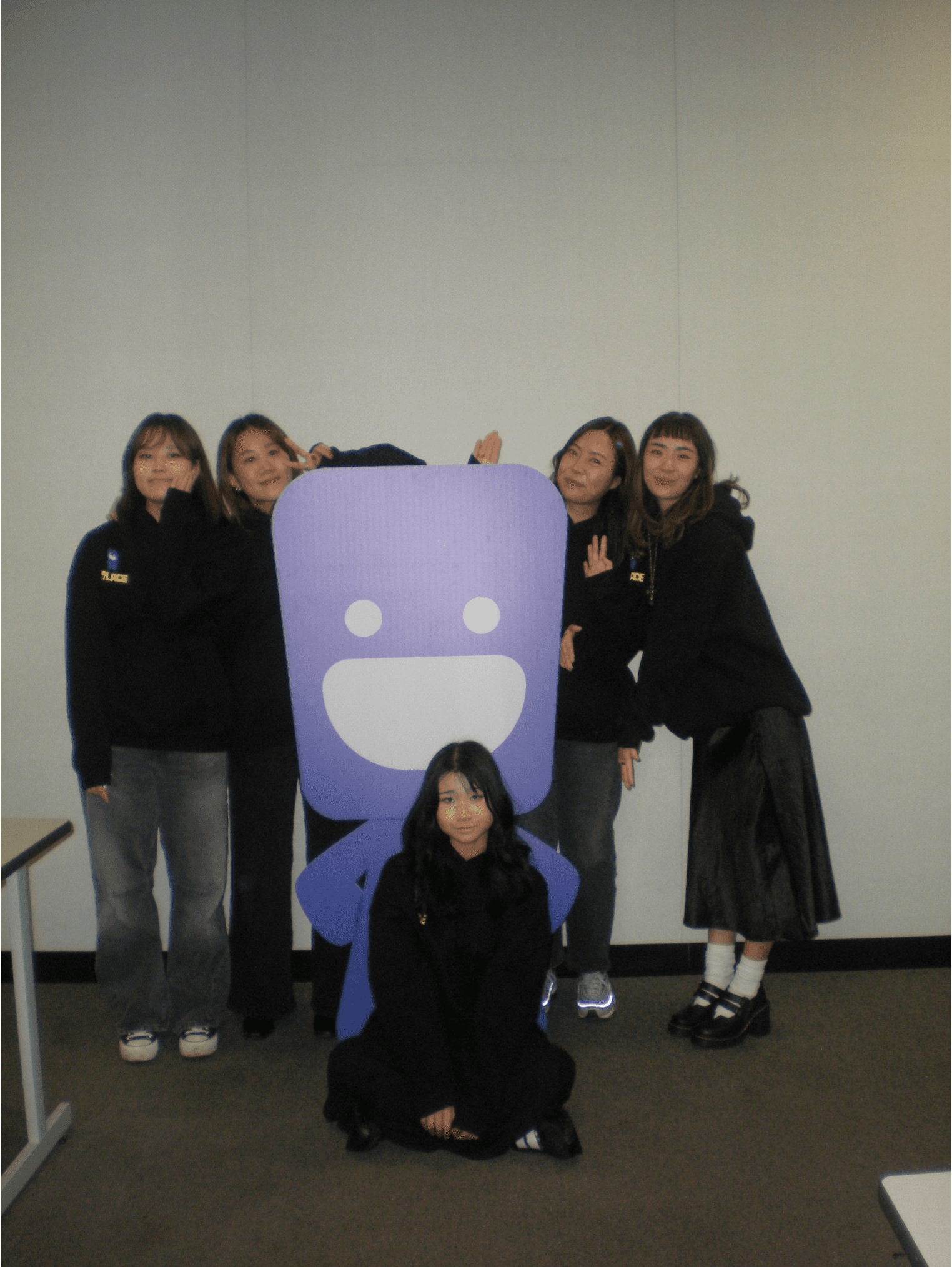
Breaking streak injures mascot
Leveling up visibly evolves mascot
Gamification drives consistency and long-term habit formation.
03 Design Process
04 Outcome
05 Reflection
Mascot System
Mental Recovery Tools
XP & Streak System

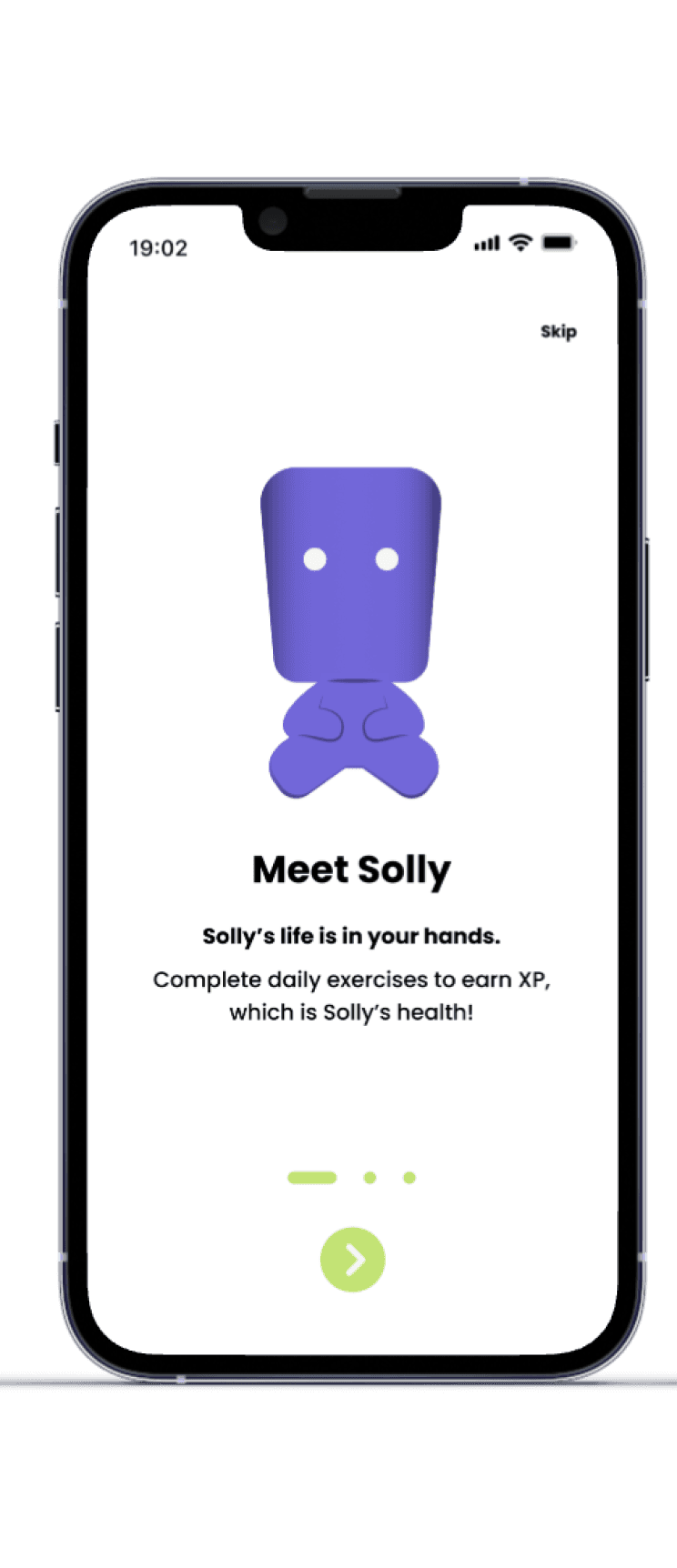
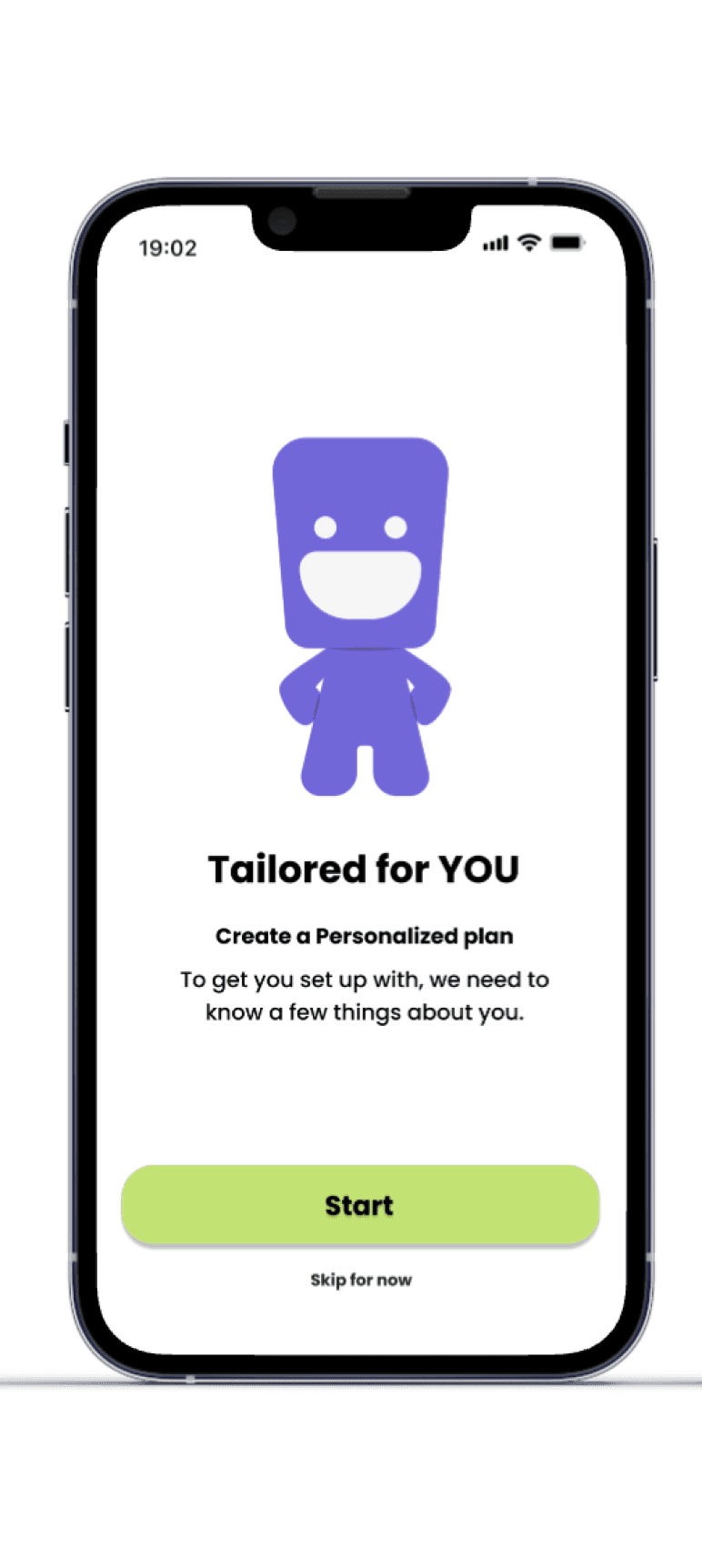
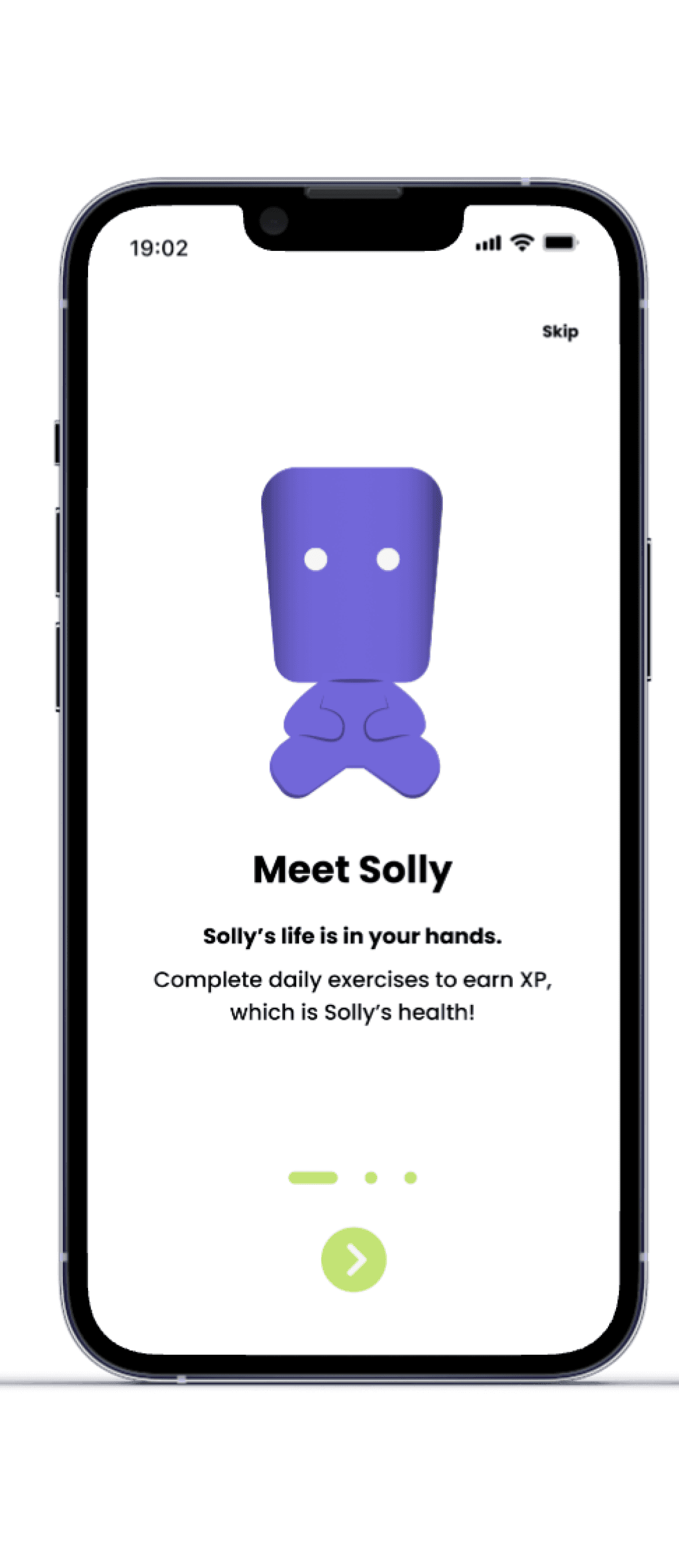
The mascot represents the user’s physical and mental wellbeing.
Shows visible strain throughout the day
Completing exercises heals the mascot
Breaking streaks causes visible injuries
Levelling up makes the mascot stronger and more resilient
Uses AI-powered speech bubbles for motivational prompts
This creates emotional accountability and behavioural reinforcement.
Breathing exercises
White noise
Each earns 5 XP, reinforcing balance between physical and mental recovery.
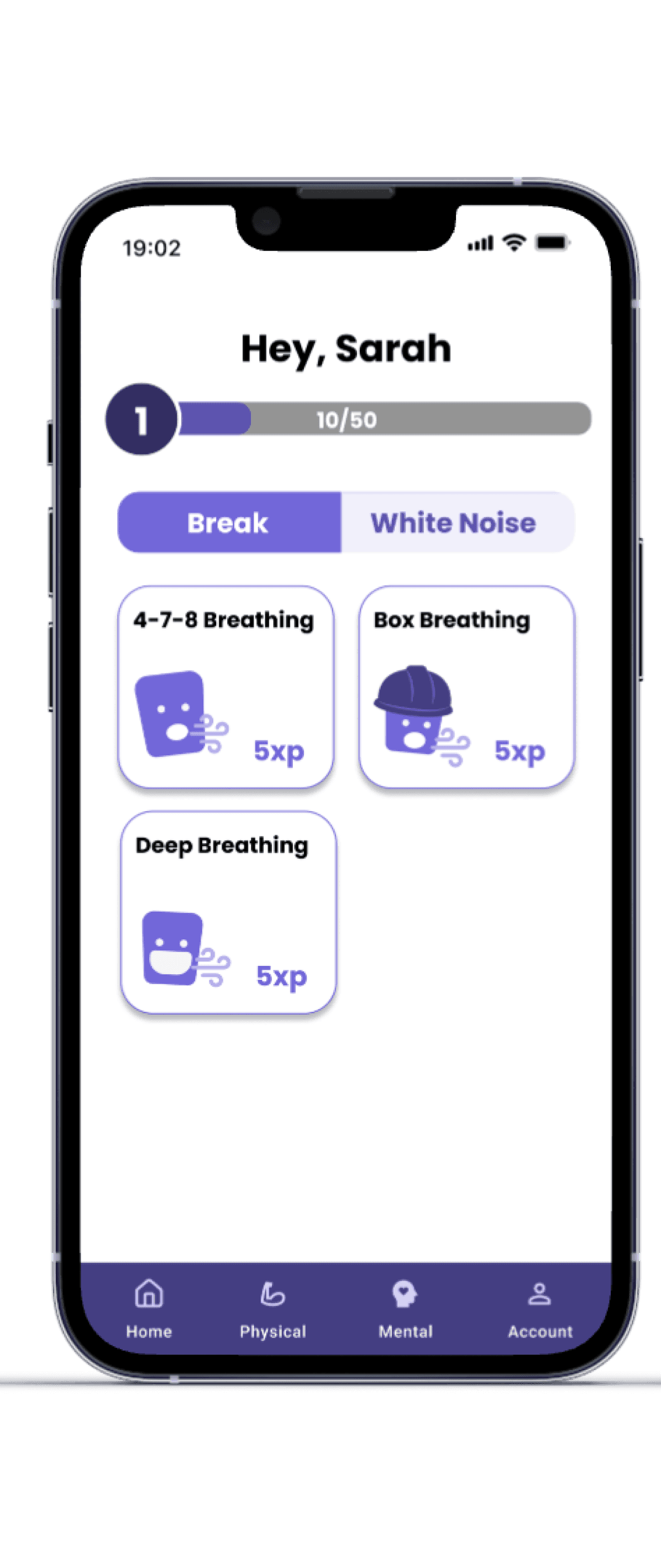
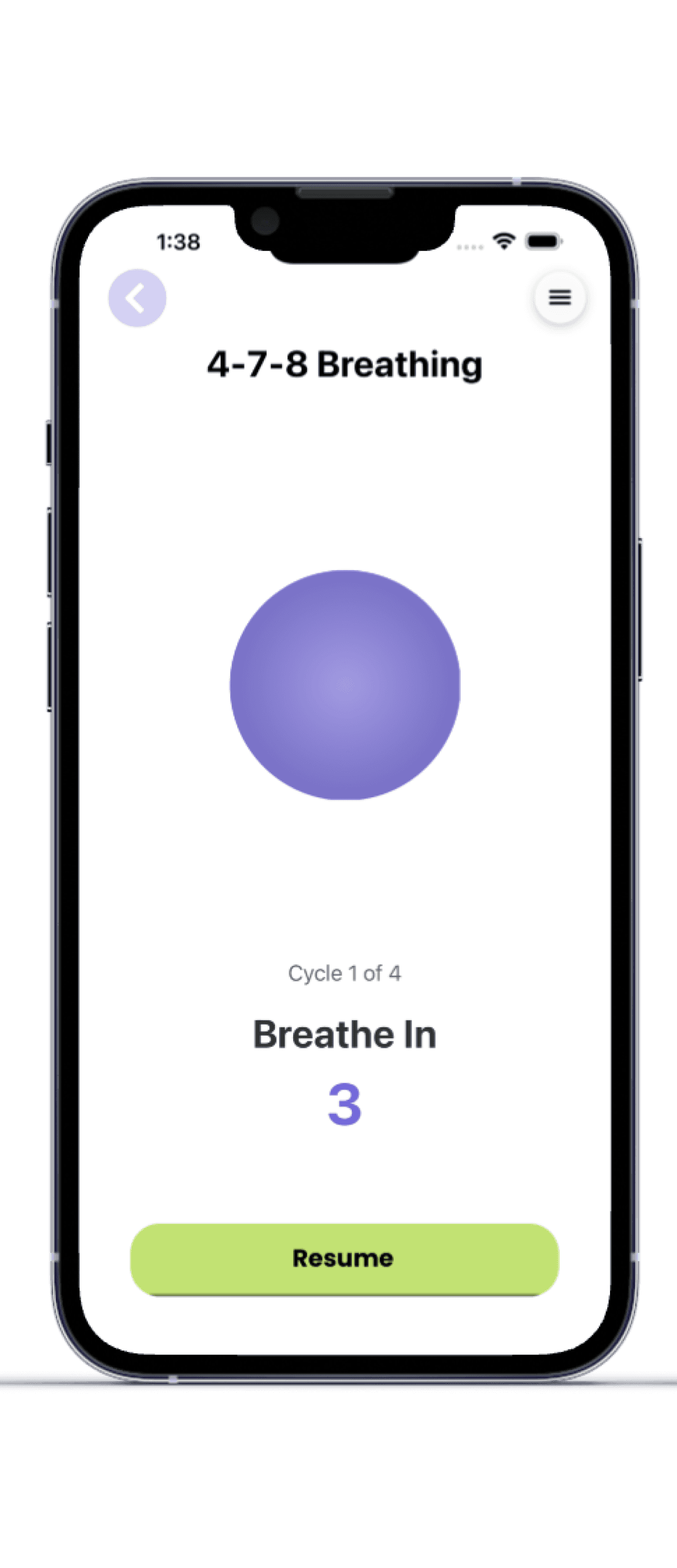
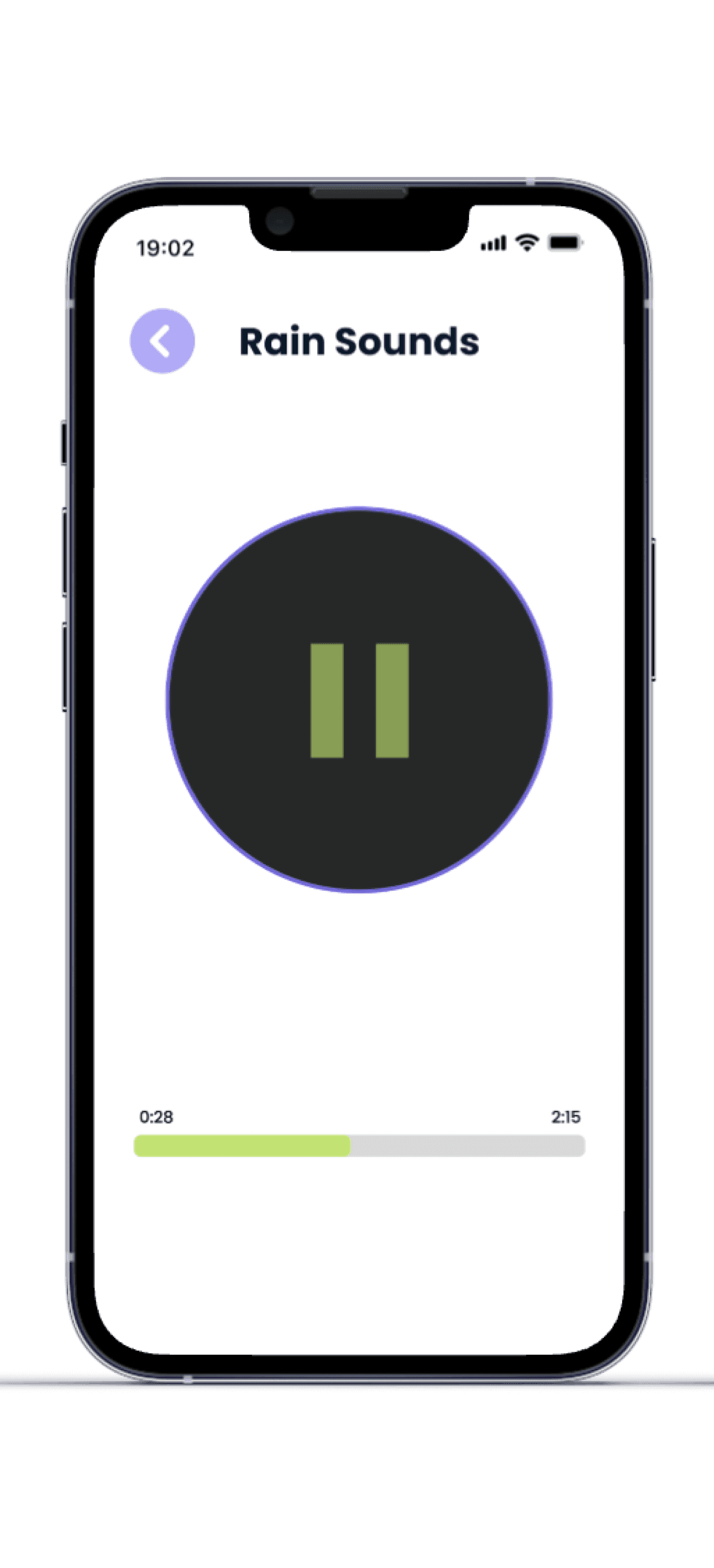
I created the sitemap to organize the core areas of the app — daily recovery routines, mental recovery tools, and progress tracking — ensuring users could quickly access the most important tasks.

Wireframes & Prototyping
Low Fidelity
High Fidelity
User Testing
Testing Insights
Key Takeaways
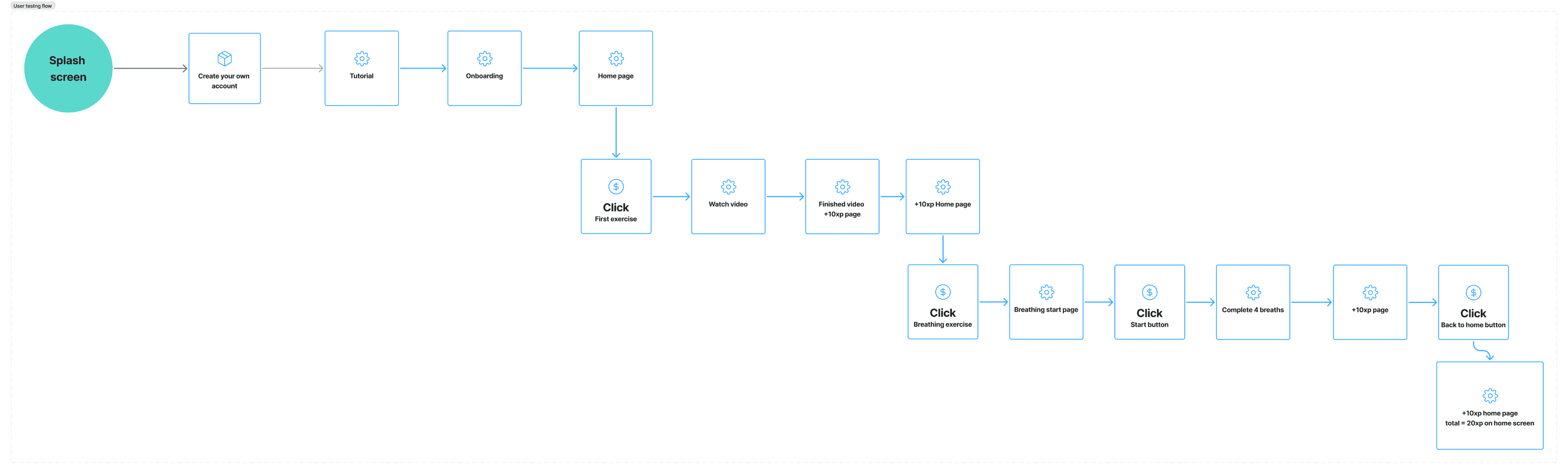
User testing flow
I wrote the usability testing script and structured the task-based testing flow used during participant sessions. The goal was to evaluate how easily users could navigate the app, complete recovery exercises, and understand the gamified progression system.
Tasks used during testing:
19:02
Breathe In
00:05
Pause
Next
19:02
Breathe In
00:05
Pause
Next
19:02
Breathe In
00:05
Continue
Next
19:02
Hold
Pause
00:05
Next
19:02
Breathe out
Pause
00:05
Next
19:02
Continue
+10 xp
Congrats!
You’ve gained 10 xp
19:02
Another Breath
+10 xp
Nice work taking a moment to breathe
Ready to move on, or want to take another breath
Continue
19:02
Home
Physical
Mental
Account
Hey, Sarah
Need to take a breath?
Listen to some white noise?
4-7-8 Breathing
+10 XP
Start
2 minutes
19:02
Breathe In
4
Pause
4-7-8 Breathing
19:02
Hold
00:07
Pause
4-7-8 Breathing
19:02
Breathe Out
00:08
Pause
4-7-8 Breathing
19:02
Congrats!
You’ve gained 10xp
Back to Home
19:02
Home
Physical
Mental
Account
Hey, Sarah
10/50
1
Break
White Noise
4-7-8 Breathing
5xp
Box Breathing
5xp
Deep Breathing
5xp
19:02
Task 01
Create an account and reach the home screen
Task 02
Complete an exercise from the checklist
Task 03
Earn additional XP through another activity
Task 04
Explore additional exercises
Task 05
Create an account and reach the home screen
User testing confirmed that the core experience was intuitive, with all participants completing every task successfully. However, several small usability issues and improvement opportunities emerged.
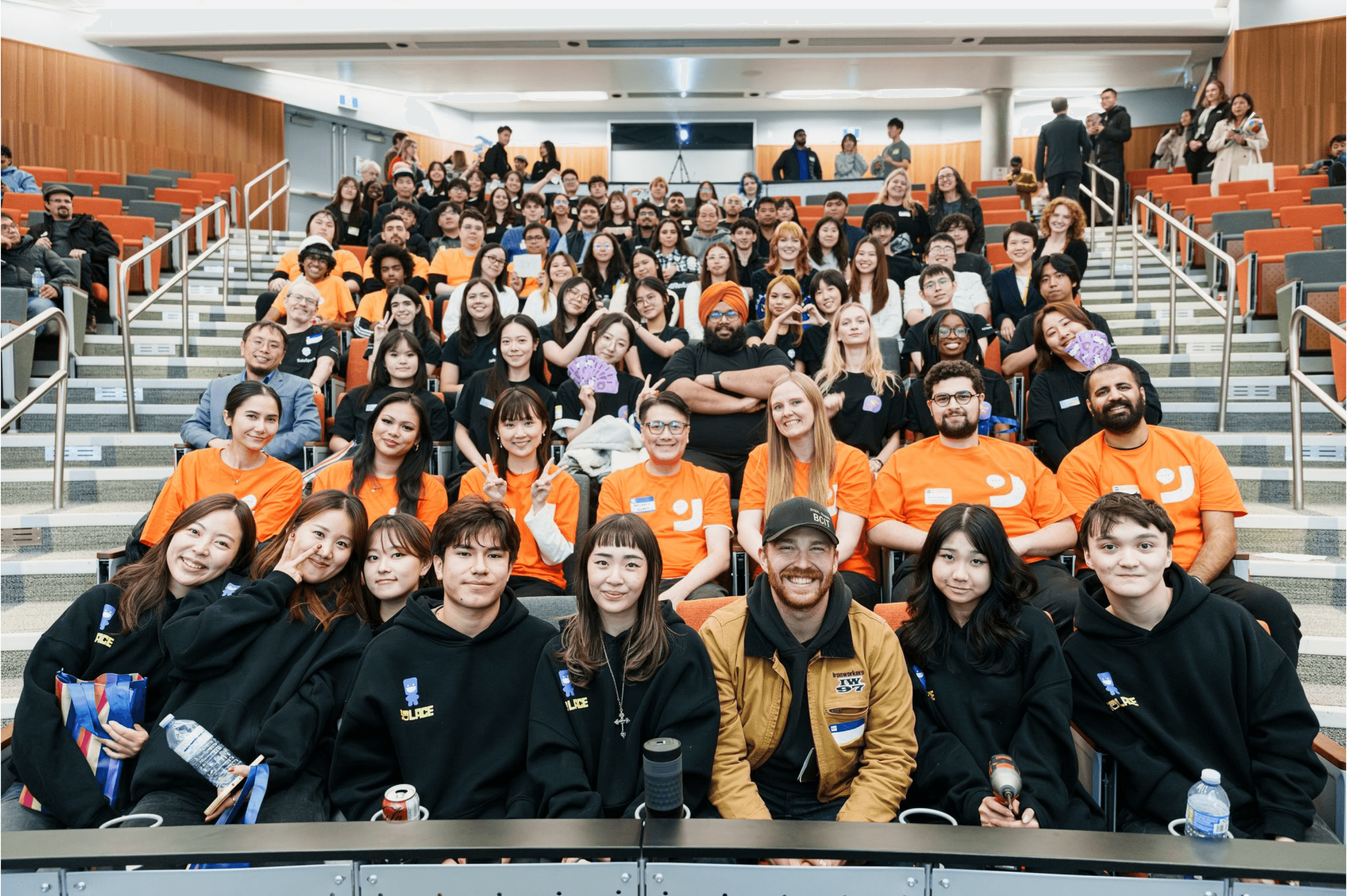
2nd Place Award
BCIT D3 FSWD Annual Showcase
Designing Structure Improves Usability
Creating a site map helped clarify the app’s structure and improve how users navigate between exercises and recovery tools.
User Testing Strengthens Design Decisions
Usability testing validated the core experience while revealing small improvements that helped refine navigation and interaction clarity.
Interactive Prototype
High-fidelity mobile prototype built in Figma
User-Tested Design
Validated through usability testing sessions
Working on Solace was a valuable experience in understanding how user-centered design evolves through iteration. Early in the process, we focused primarily on interface design, but as the project progressed we recognized the importance of establishing a strong information architecture to guide the overall experience.
Writing the user testing script and observing participants interact with the prototype helped me better understand how small interaction details can influence usability. Seeing how users navigated the app highlighted both what worked well and what could be improved.
Demo Video
Short walkthrough of the Solace prototype showing onboarding, exercise flows, and breathing tools.
Thanks For Reading <3
03 Mental tools labeling
While breathing exercises were easy to use, some users were unsure where to find them due to the “Mental” tab label.
02 Exercise flexibility
Participants suggested offering alternative exercises for the same body area so users could choose options that fit their comfort level.
01 Navigation clarity
Some users hesitated when moving between pages, indicating that the navigation micro-interactions and labeling could be clearer.
04 Interaction timing
One participant felt the 8-second breathing hold was slightly long, suggesting adjustable pacing could improve comfort.